Power Strips Explained: Types, Benefits, Uses, and How to Choose the Right One

Published: |Last updated:
Listen to this article
Show Quick ReadConcise summary from this article
Modern homes and offices use multiple electrical devices every day, including laptops, computers, televisions, routers, chargers, printers, and other appliances. When wall outlets are limited, a suitable power strip can help organize connections and make everyday device usage more convenient. However, choosing the right option requires understanding its features, electrical capacity, and intended use. In this guide, you will learn what power strips are, how they work, the different types…
Ask AI About This Article
Answers are limited to information in this article.
Modern homes and offices use multiple electrical devices every day, including laptops, computers, televisions, routers, chargers, printers, and other appliances. When wall outlets are limited, a suitable power strip can help organize connections and make everyday device usage more convenient. However, choosing the right option requires understanding its features, electrical capacity, and intended use.
In this guide, you will learn what power strips are, how they work, the different types available, their benefits, and how to select the right option for your requirements.
What Are Power Strips?
Power Strips are electrical accessories that allow multiple devices to connect to a single wall outlet through a shared power connection. Depending on the design, they may include multiple sockets, individual switches, a master switch, USB charging ports, or additional protective features.
They are commonly used in homes, offices, workstations, and entertainment areas where several devices need access to electricity. However, a power strip does not increase the electrical capacity of a wall outlet. The total load connected to it must remain within its rated limits.
What Is an Extension Board?
An Extension Board is a device that provides additional electrical sockets and, in many models, extends the reach of a power connection using a cable. It allows users to connect multiple compatible devices without installing additional wall outlets.
Extension boards are available in different designs, cable lengths, socket configurations, and current ratings. Some basic models are suitable for low-power electronics, while heavy-duty versions are designed for compatible higher-power applications.
Before selecting an extension board, check its maximum current and power ratings, cable specifications, plug type, and the requirements of the devices you intend to connect.
Different Types of Power Strips
Power strips are available with different features to suit various environments. Understanding these types can help you make a more informed choice.
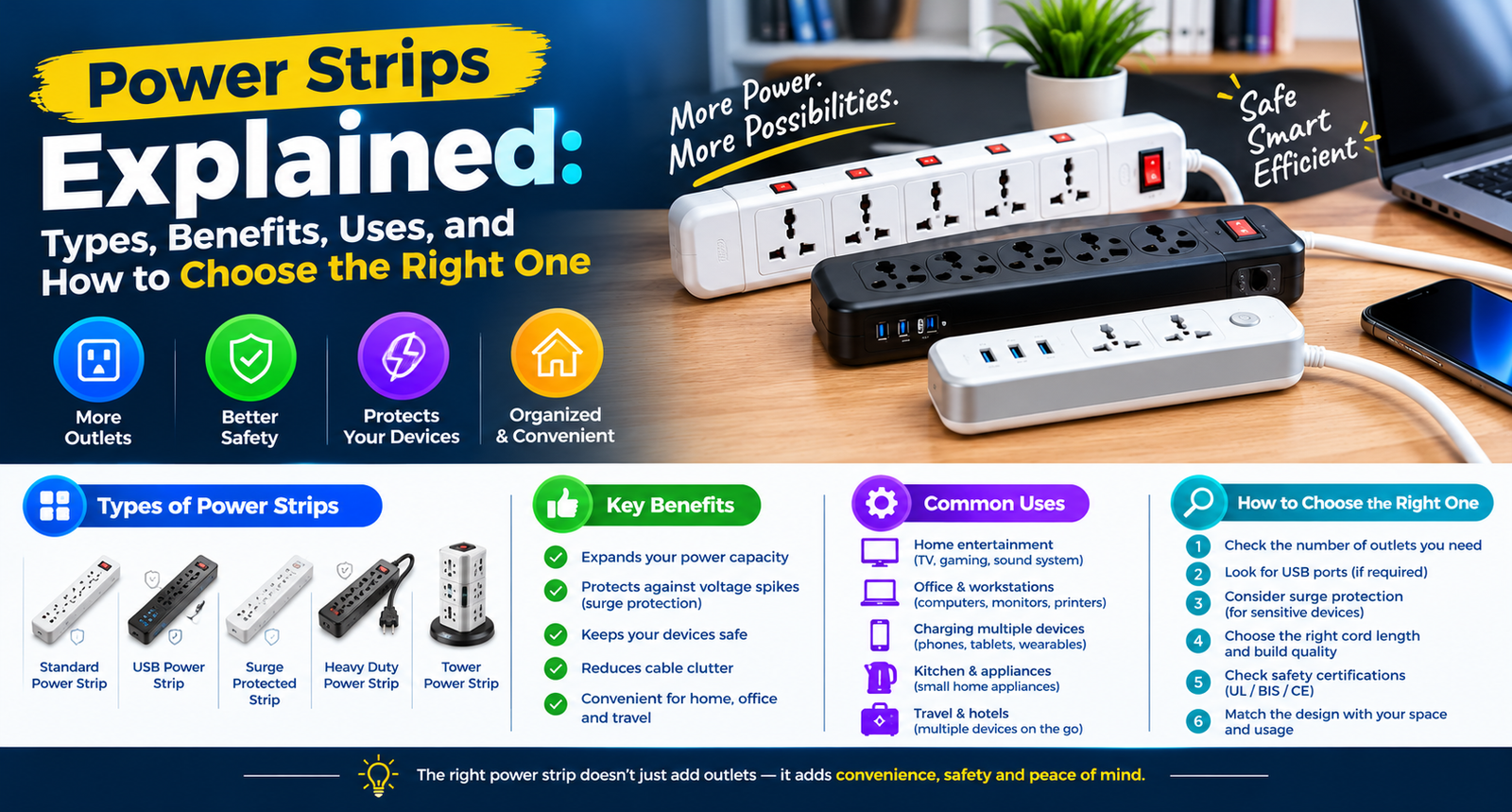
1. Standard Power Strips
Standard power strips provide multiple sockets for connecting compatible electrical devices. They are commonly used for phone chargers, desk lamps, routers, and other low-power electronics within the product’s rated capacity.
Look for a sturdy housing, properly rated cable, secure sockets, and an accessible switch if required.
2. Power Strip with USB
A Power Strip with USB includes conventional electrical sockets along with USB charging ports. This design can help users charge compatible smartphones, tablets, earbuds, and other USB-powered devices without occupying every AC socket with a separate charger.
Before purchasing, check the USB output specifications, supported charging protocols, and total output shared between ports. USB charging speed varies by model and device compatibility.
3. Heavy-Duty Power Strip
A Heavy Duty Power Strip is designed for applications that require a higher electrical rating than ordinary low-power accessories. Depending on the model, it may feature a higher current capacity, a thicker cable, stronger sockets, and a robust enclosure.
These products may be suitable for compatible equipment such as certain workshop devices or high-power appliances, provided the product rating and manufacturer’s instructions explicitly support the intended application. A heavy-duty label alone does not guarantee suitability for every appliance.
4. 16A Power Extension Board
A 16A Power Extension Board is designed for compatible electrical applications requiring a 16-amp connection. Depending on its rated voltage and design, it can support a higher load than a typical 6A accessory.
Before using one, verify the rating of the wall outlet, plug, cable, sockets, switches, and the entire electrical circuit. A 16A board should only be connected to a suitable, properly rated outlet. Do not use an adapter to force an incompatible plug into a socket.
5. Surge Protected Power Strip
A Surge Protected Power Strip includes protective components intended to reduce the effects of certain transient voltage surges. It may be useful for compatible electronics such as computers, monitors, routers, and entertainment equipment.
Surge protection is not the same as overload protection, voltage regulation, or backup power. Check the manufacturer’s protection specifications and indicator details. A surge protector cannot guarantee protection against every electrical event, including a direct lightning strike.
6. Multi-Socket Extension Boards
A multi-socket extension board provides several outlets in one unit. Depending on the design, sockets may be arranged for different plug types or spacing requirements.
When selecting a multi-socket model, make sure connected plugs fit properly and that larger adapters do not block nearby outlets. Always consider the total connected load rather than the number of available sockets.
Benefits of Using a Power Strip
Convenient Device Connectivity
A power strip lets you connect multiple compatible devices at one location. This can be useful for computer desks, television units, study tables, and other work areas.
Better Cable Organization
A well-positioned power strip can help keep cables grouped around a workstation or entertainment setup. Cable clips and suitable cable management accessories can further improve organization.
Flexible Placement
Models with different cable lengths allow users to position compatible devices more conveniently. Always place the unit where the plug and switch remain accessible, and keep it away from water, excessive heat, and areas where cables may be damaged.
Additional Charging Options
A model with USB ports can provide a convenient charging point for compatible mobile devices. Check its output capacity before connecting multiple devices at the same time.
Suitable Options for Different Environments
Power strips come in different configurations for homes, offices, workstations, and certain equipment setups. Selecting a model based on actual electrical requirements is more important than choosing one simply because it has more sockets.
How to Choose a Power Strip for Home
A Power Strip for Home should match the devices you use and the electrical conditions of your room.
Consider these factors before purchasing:
- Number of sockets: Choose enough outlets for your devices without connecting unnecessary equipment.
- Current and power rating: Confirm that the strip supports the combined load of all connected devices.
- Cable length: Select a length that reaches the intended location without stretching the cable or routing it under rugs.
- Switch design: Individual switches or a master switch can make it easier to control connected devices.
- Safety features: Look for appropriate overload protection, earthing, and other features specified by the manufacturer.
- Build quality: Check the cable, plug, socket construction, and product certification or compliance information where applicable.
Avoid connecting one extension board to another. This practice can increase the risk of overloading and overheating.
Choosing a Power Strip for Office Use
A Power Strip for Office can help organize a workstation with devices such as computers, monitors, printers, desk lamps, and chargers.
For office use, consider the following:
- Select a model with enough sockets for the planned setup.
- Consider surge protection for sensitive electronics where appropriate.
- Check compatibility with computer power supplies and monitor plugs.
- Keep cables organized and prevent them from becoming trip hazards.
- Ensure that printers, heaters, and other higher-power equipment are connected according to their individual requirements.
- Avoid placing the power strip where it can be covered by furniture or exposed to spills.
For business environments, choose products that meet applicable electrical safety requirements and follow workplace electrical policies.
Power Strip vs. Extension Board: Is There a Difference?
The terms power strip and extension board are often used interchangeably. In general, both can provide multiple electrical outlets from a single source. However, product terminology and features vary by manufacturer and market.
Some models focus on multiple sockets, while others emphasize a longer cable, higher current rating, USB charging, switching, or surge protection. Rather than relying on the product name alone, check its technical specifications and safety features.
Power Strip Safety Tips You Should Follow
Safe usage is essential whenever multiple electrical devices share one power source.
- Check the total load: Add the power requirements of connected devices and stay within the product’s rated capacity.
- Avoid overloading: Never connect more equipment than the strip and circuit can safely support.
- Do not daisy-chain: Avoid plugging one extension board or power strip into another.
- Keep it dry: Do not use ordinary indoor power strips in wet locations unless the product is specifically rated for that environment.
- Inspect the cable: Stop using a strip with damaged insulation, loose sockets, burn marks, or unusual heat.
- Use proper earthing: Choose an appropriately earthed product for equipment that requires an earth connection.
- Follow appliance instructions: High-power appliances such as heaters, ovens, and induction cooktops may require a dedicated wall outlet or a specific circuit. Do not connect them to a power strip unless the manufacturer and applicable electrical requirements permit it.
- Keep ventilation clear: Do not cover the strip with rugs, cloth, or other materials that can trap heat.
If a power strip repeatedly trips protection devices, smells burnt, sparks abnormally, or becomes unusually hot, disconnect it if safe to do so and have the setup checked by a qualified electrician.
Common Mistakes to Avoid When Buying a Power Strip
One common mistake is choosing a product based only on the number of sockets. More outlets do not mean a higher load capacity. Another is assuming that every model includes surge protection or overload protection. These features must be confirmed in the product specifications.
It is also important to avoid selecting a 16A product without checking whether the wall outlet and circuit support it. Similarly, USB ports may not deliver the same charging speed across every model.
Finally, consider where the product will be used. A model intended for an indoor desk may not be suitable for workshops, outdoor environments, or areas exposed to moisture.
Conclusion
Choosing the right power strip depends on your devices, electrical requirements, available outlets, and intended environment. Standard models can support everyday low-power electronics, while USB-equipped options add charging convenience and suitable heavy-duty models serve specific higher-current applications.
Whether you need an extension board for a home workstation or a power strip for an office, compare the rated current, maximum power, cable specifications, socket design, and safety features before buying. Always follow the manufacturer’s instructions and avoid exceeding the capacity of the strip or wall circuit.
A carefully selected power strip can make device connectivity more convenient while supporting a safer, better-organized setup.
Frequently Asked Questions (FAQs)
1. What is a power strip used for?
A power strip provides multiple outlets from one wall connection so you can connect several compatible electrical devices within its rated capacity.
2. Are power strips and extension boards the same?
The terms are often used interchangeably. Specific features, cable lengths, and electrical ratings depend on the individual product.
3. Can I use a power strip for my computer?
Yes, if the power strip is suitable for the computer and connected equipment, has an adequate rating, and meets applicable safety requirements.
4. What is a power strip with USB?
It is a power strip that combines standard electrical sockets with USB ports for charging compatible devices.
5. What does heavy-duty power strip mean?
It generally refers to a model designed for applications requiring a higher electrical rating or more robust construction. Always confirm its actual specifications.
6. What is a 16A power extension board used for?
It is designed for compatible applications requiring a 16-amp connection, provided the outlet, circuit, cable, plug, and connected equipment are suitably rated.
7. Does every power strip provide surge protection?
No. Surge protection is a specific feature that must be listed in the product specifications.
8. Can I connect one power strip to another?
It is not recommended because daisy-chaining can increase the risk of overloading and overheating.
9. Can I connect a refrigerator or heater to an extension board?
Check the appliance manufacturer’s instructions and the electrical requirements. High-power appliances may require a dedicated, properly rated wall outlet.
10. How do I choose a power strip for home?
Consider the number of devices, total electrical load, cable length, socket configuration, earthing, and required safety features.
11. Is a power strip suitable for office use?
Yes, a correctly rated model can support compatible office equipment such as monitors, computers, and chargers.
12. Do USB ports on power strips support fast charging?
Some do, but charging speed depends on the USB output specifications, supported charging protocols, and the connected device.
13. How can I tell if a power strip is overloaded?
Warning signs can include unusual heat, a burning smell, discoloration, sparking, or repeated tripping. Stop using it if these occur and seek qualified assistance.
14. Can I use a power strip outdoors?
Only if the product is specifically rated for the outdoor environment and conditions. Ordinary indoor models should not be exposed to rain or moisture.
15. What should I check before buying an electrical extension board?
Check the current and power ratings, cable specifications, plug and socket compatibility, earthing, protection features, and applicable safety certifications.
Promote your articles nowCheck for details
Choose a promotion package
Choose a package below, scan the QR code and pay the displayed amount for 20 days.
After payment, email your article title and payment screenshot to info@yourneeds.asia. Once confirmation is received, one of our administrators will activate the promotion.

Choose where your promoted article receives extra visibility
Promotion changes presentation and placement for the selected period. It does not guarantee traffic, enquiries, search ranking or sales.
Priority visibility in the VIP Lounge, promoted shelves and highlighted article areas.
Top-style highlighting in article directories, homepage feeds and promoted article blocks.
Premium styling across supported article feeds, recommendations and directory placements.
Featured presentation in supported homepage, category, directory and related-article areas.
Build a stronger online presence for your business
Get Your Website for ₹15,000
Are you listed and don't have a website for your business? We can plan, design and launch a responsive website that makes your business easier to understand and contact.
Get My WebsiteSEO Starts from ₹10,000/Month
Improve how your business is presented across Google, local listings and AI-powered search results with ongoing SEO, content and authority-building work.
Improve My VisibilitySuggested Articles
View all articles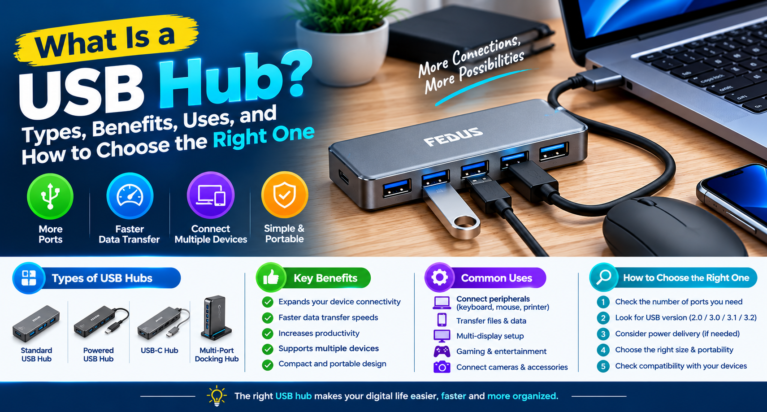
What Is a USB Hub? Types, Benefits, Uses, and How to Choose the Right One
Modern computers, laptops, and tablets come with multiple features, but one common limitation is the number of available ports. Many devices have only a…
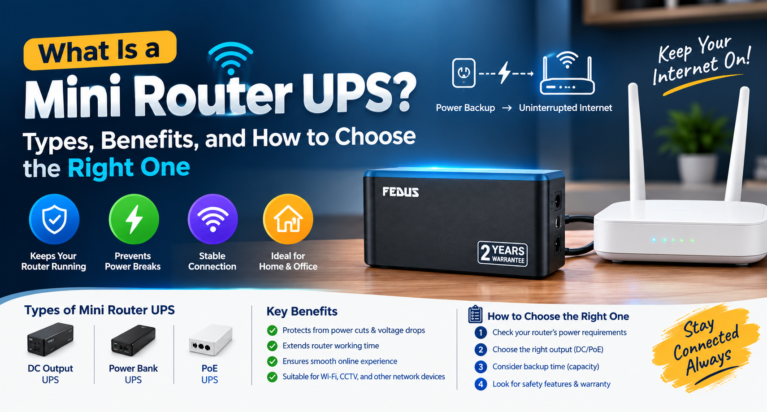
What Is a Mini Router UPS? Types, Benefits, and How to Choose the Right One
Power cuts can interrupt your internet connection when you are working from home, attending online meetings, studying, or managing connected devices. A mini UPS…
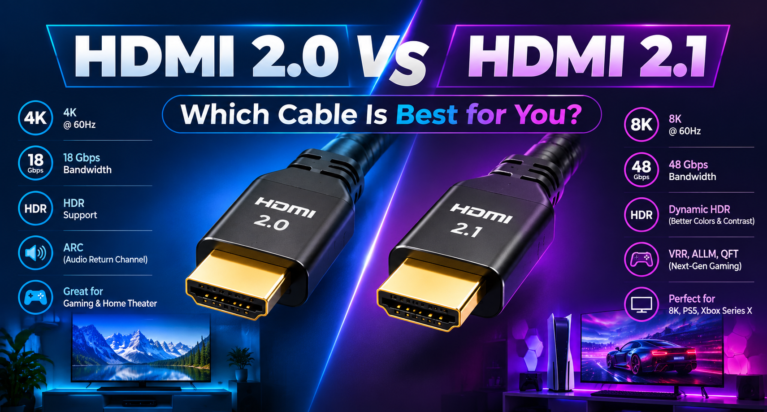
HDMI 2.0 vs HDMI 2.1: Which Cable Is Best for You?
Choosing the right HDMI connection can make a noticeable difference to your entertainment and gaming experience. Whether you are connecting a television, laptop, gaming…
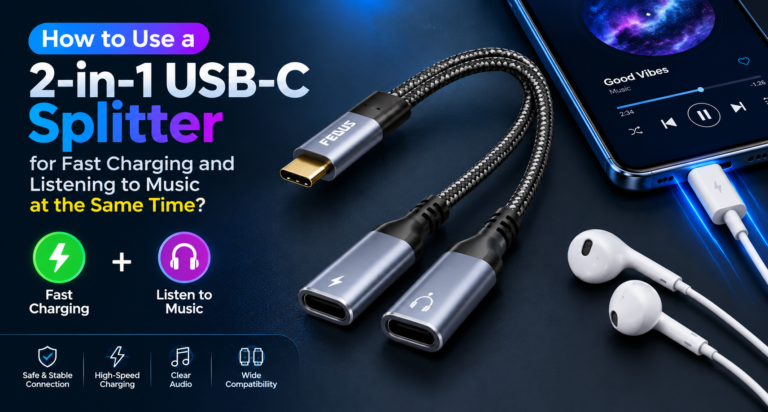
How to Use a 2-in-1 USB-C Splitter for Fast Charging and Listening to Music at the Same Time?
Modern smartphones, tablets, and other USB-C devices often come with a single USB-C port for charging and audio accessories. This can become inconvenient when…
Latest Blog Posts
View all articles
Choosing the Right Trenching Equipment for Pipeline, OFC, and Solar Infrastructure Projects
The Gaja 100XT Tractor Mounted Trencher is designed for this type of work. It helps contractors create controlled trenches while using a tractor as…

Five Palm Farm House – A Perfect Getaway for Family Picnics and Private Events
Planning a relaxing day out with family or friends? Five Palm Farm House is a name to consider when looking for a private farmhouse…

Developing International Knowledge Through Online Japanese Courses in India
The rise of cross-cultural vocations and job opportunities is making learning a foreign language increasingly essential in the current climate. Japanese are becoming more…

The potential of crab culture as a profitable venture in aquaculture.
Crab culture is a highly sought-after and economically viable crop for aquaculture businesses. As demand for good seafood continues to rise in both domestic…

Premium Plots for Sale in Goa: 12 Checks Every Buyer Should Make
Premium plots for sale in Goa can be suitable for buyers planning a home, a villa or a long-term land purchase. Before selecting a…

Love and Relationship Compatibility: 7 Powerful Astrology Insights
Love and Relationship Compatibility: 7 Powerful Astrology Insights Love and relationship compatibility astrology can help people reflect on emotional needs, personality differences, communication styles,…